Day pass
Free
No card, no catch
- 3 reels a month
- Up to 60 s, 720p
- 5 photos per reel
- Small corner mark and an end card
- Privacy zones, always
Launch offer: every Pro feature is free for a limited time.
A route in. A vertical film out.
Paste the Google Maps links of your route, or drop in the file your phone or GPS recorded. Waynim plays it back as a calm, vertical video: a card for every morning, a photo or a clip wherever you stopped. By car, bike, train, plane, boat or on foot. It is built in your browser, so the trip stays on your phone.
Every Pro feature is free for a limited time, no sign-up. Reads Google Maps links, Timeline, GPX and Odossey.
Day 1 · Bring the trip
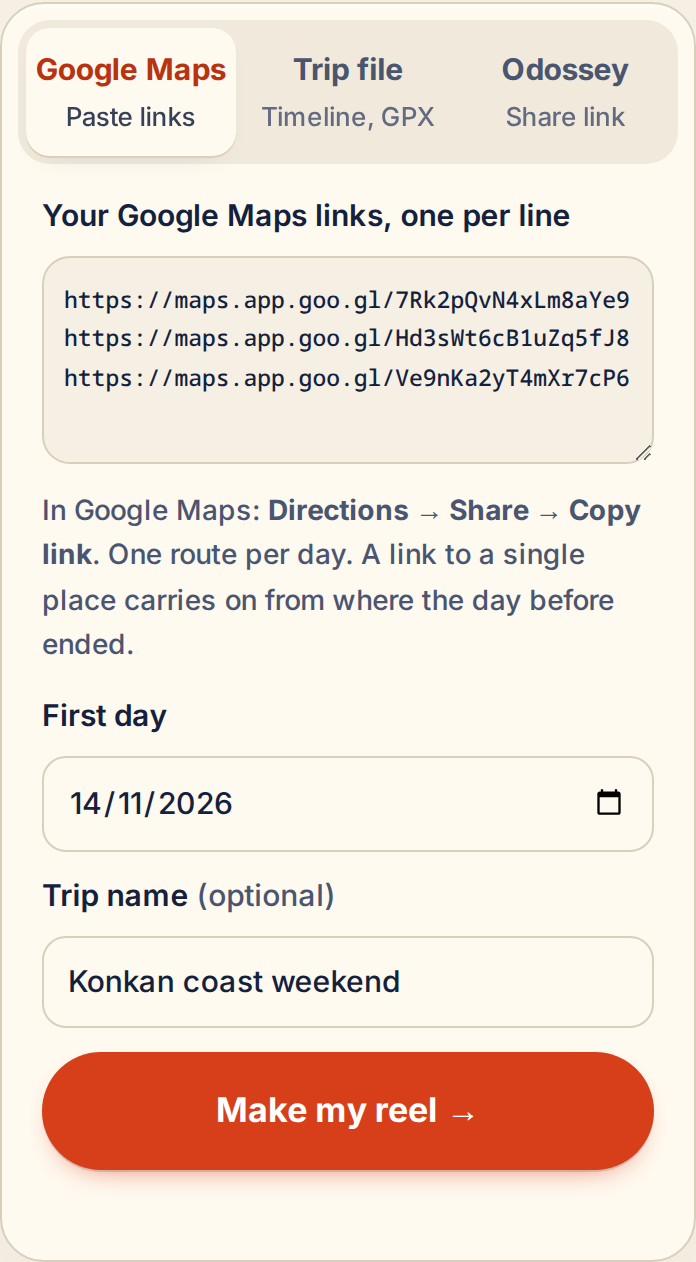
Haven’t recorded anything? Paste your Google Maps routes, one per day, and plan the film before you leave or make it after you are back. Recorded it? Pick the file and the dates.
In Google Maps tap Directions, Share, Copy link, and paste one link per day. Waynim finds the real roads between your stops. A single place link carries on from where the day before ended.
Export it from your phone; Waynim finds the trips in it for you, or you choose the dates. Drives, trains, flights, ferries and long walks all come through.
Strava, Garmin, Komoot, Wikiloc, any GPS app. Rides, hikes and runs are recognised from the file; long gaps become separate legs.
Paste a share link and the whole journey loads, days and ferries included. Photos from the app are next.
Day 2 · It does the editing
Move the sliders. This is the same rule the app uses when you leave length on Auto.
Day 3 · Photos, where you took them
Add photos from your phone. Waynim reads the time and GPS inside each one, finds the spot on your route, and pops the photo up when the car gets there. It stays for a few seconds, then tucks into a pin on the map.


Day 4 · Your home stays home
A route is a map of where you live. So the film is made on your device, not ours.
Day 5 · Fair prices, set for where you are
LAUNCH OFFER: every Pro feature below is free for a limited time, with no limits and no sign-up. These are the prices that will apply afterwards, and we will say well before they do.
Free
No card, no catch
₹99
for 5 reels, they never expire
Free for now, launch offer
₹149 / month
or ₹999 a year · ₹83 a month
Free for now, launch offer
In India: UPI, cards and netbanking. Prices are set per region, so a reel costs what it should where you live.
Day 6 · Questions
No. The file is read, the map is drawn and the video is encoded in your browser. The network is used for map tiles (from OpenFreeMap), to fetch a trip from the Odossey server if you paste an Odossey share link, and, if you paste Google Maps links, to send the stops (not your photos, not a recorded track) to Waynim’s map service so it can find the roads. Accounts, when they arrive, only count how many reels you make.
In Google Maps, search for your start and end, tap Directions, pick how you travel, add stops if you like, then Share → Copy link. Paste one link per day in Waynim. Waynim reads the stops and the travel mode from the link and finds the road itself.
Android: Settings → Location → Location services → Timeline → Export Timeline data. iPhone: Google Maps → your profile → Your Timeline → ⋯ → Export Timeline data. Drop that file in Waynim.
It renders every frame in your browser. On a laptop with ordinary Intel graphics, a 30-second 1080p reel took 30 to 60 seconds, and a 60-second one about a minute and a half. Phones are not measured yet. Chrome, Edge and Samsung Internet are the tested browsers; Safari and Firefox are still to be tested.
Stories take clips of up to 60 seconds, and WhatsApp Status sits around 60 to 90 seconds depending on the app version. Reels are allowed to run longer, and Instagram has been raising that limit, so check the app. The length selector in Waynim says where each length fits.
Maps are OpenStreetMap data served by OpenFreeMap, with India’s boundary drawn as per the Survey of India depiction. The closing card carries a note saying so, and every frame carries the map credit.
Three looks: Postcard (free), Night Drive and Film; three cameras: Cinematic, Top-down and 3D tilt; and the vehicle follows how you travelled: car, motorbike, bicycle, bus, train, plane, boat or on foot. Vehicle colour and camera distance are in Advanced.
Journey’s end · 2,681 km
A link or a file, a few taps, and a render. No account needed in the preview.